 FlowCue
Ideas first.
Agents next.
Write the thought before it disappears. FlowCue keeps it in a quiet inbox until you decide which coding agent gets it — Codex, Claude Code, or whatever you install next.
Capture
⌃⌥Space over any app. One line, then back to work.
Triage
Every idea lands in one inbox, with a status you can trust.
Hand off
Queue it to Codex or Claude Code when it's actually ready.
Continue
Carry the same inbox on your iPhone, paired over your LAN.
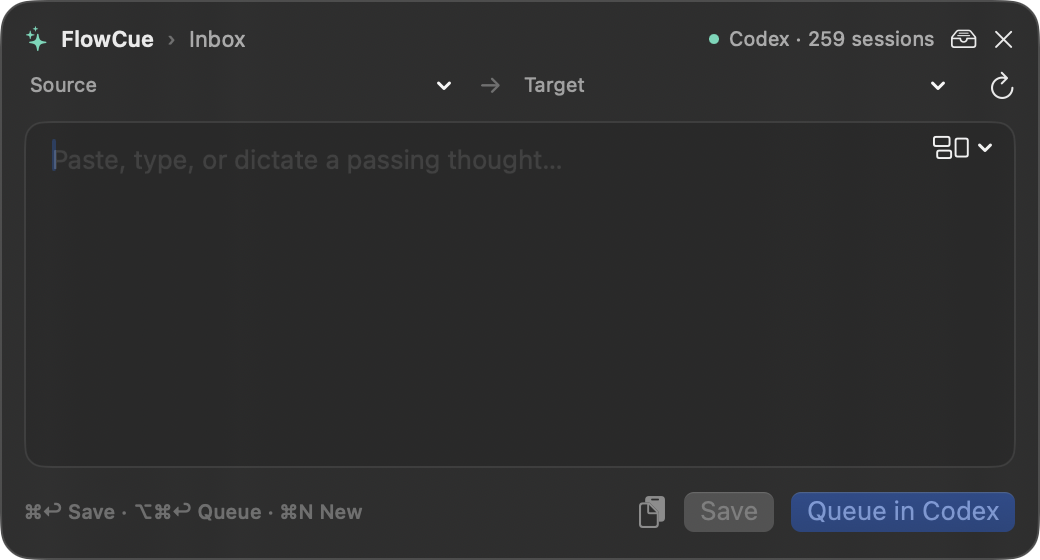
A panel, not a new tab.
The floating panel sits above whatever you're doing. Write, save with ⌘↩, and it's gone until you need it.
- Route to a source and target task before saving
- Templates for standups, meetings and weekly notes
- Draft is kept on this Mac between sessions
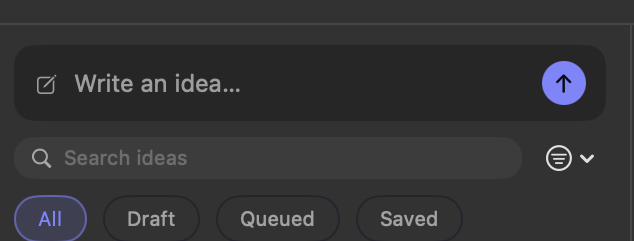
An inbox that stays readable.
Three layouts for three moods: columns when you're sorting, a bottom composer when you're chatting, a sidebar when the list gets long.
- Status you can see without opening anything
- Retry a failed queue from the row itself
- Works at half-screen width too
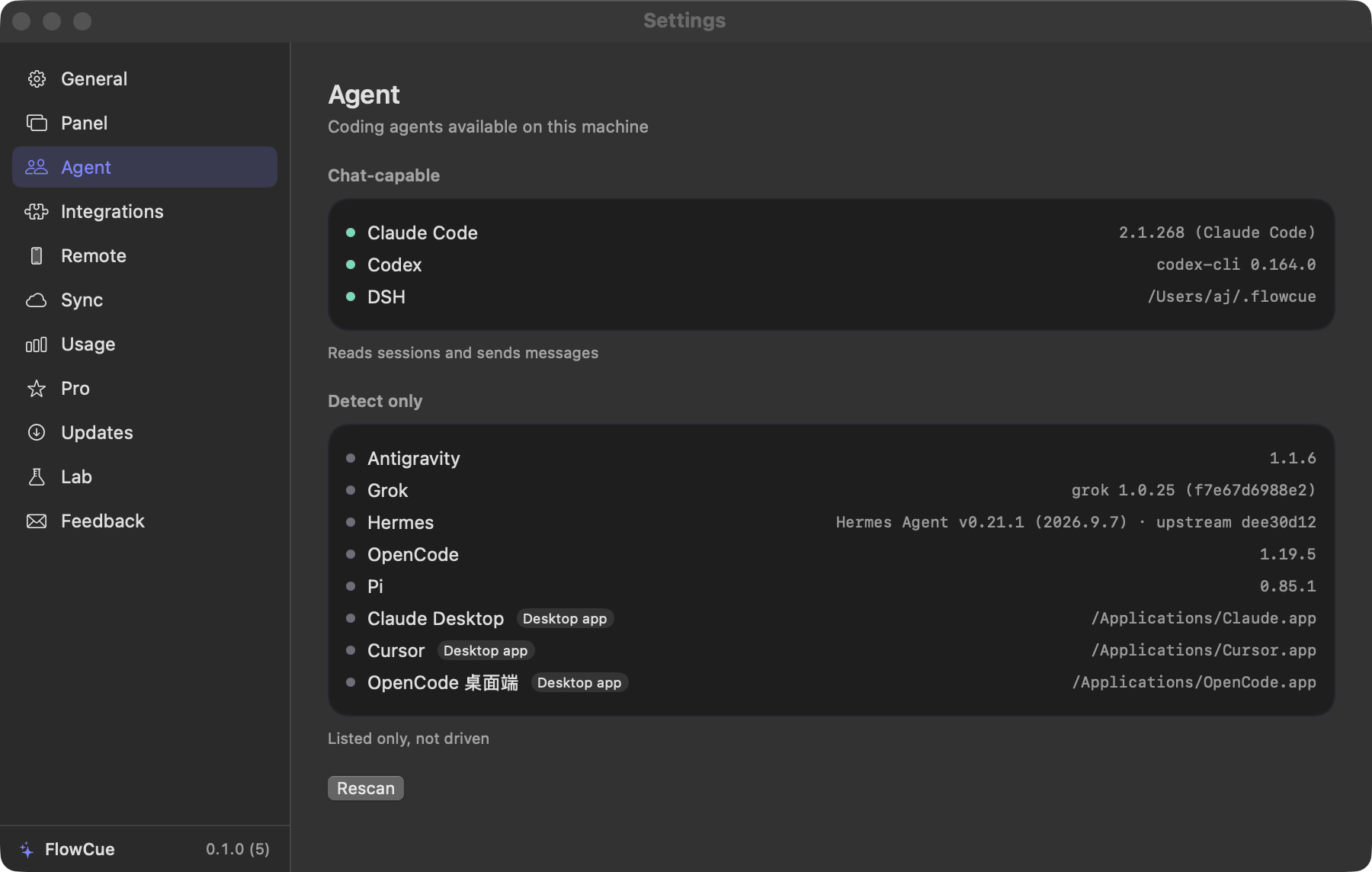
The agents you already have.
FlowCue finds what's installed on this Mac and reads its sessions — Codex and Claude Code today, more as adapters land.
- Codex, Claude Code and DSH are chat-capable
- Others are detected, clearly marked as detect-only
- It reads your agent configs; it never writes them
Local by default
No account, no analytics SDK, no server holding your text. Ideas live in a local database.
Read, never write
It opens ~/.claude and ~/.codex to show sessions. It does not edit your configuration.
Small and signed
4.7 MB, runs in the menu bar, signed with Developer ID and notarized by Apple.
Mac
- Menu bar capture and the inbox
- Local agent detection
- LAN pairing with iPhone
- Universal build, signed and notarized
iPhone + Pro
- Everything on Mac, synced
- Remote continuation when you're away
- All 13 themes
- Widgets and Live Activities
Questions
Which agents does it work with?
Codex, Claude Code and DSH can be read and messaged. OpenCode, Hermes, Pi, Grok, Antigravity, Cursor and the Claude desktop app are detected only. Nothing is promised before it's verified.
Do I need an account?
No. There is no FlowCue sign-in. Everything works offline except the optional update check and iCloud sync.
Why isn't it on the Mac App Store?
Reading your local agent files requires leaving the sandbox. FlowCue for Mac ships as a notarized DMG instead — the same route other agent tools take.
How does the iPhone connect?
Over your local network with a pairing code shown on the Mac. No relay server sits in between.
What leaves my Mac?
Only what you turn on: optional iCloud sync, and the update check. Feedback is copied to your clipboard — you decide whether to send it. See the privacy page.